
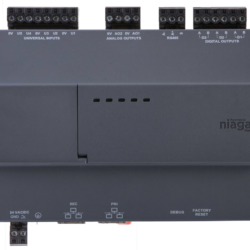

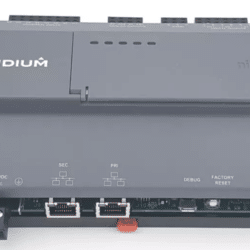
EDGE-10-E
£331.20 Exc. VAT
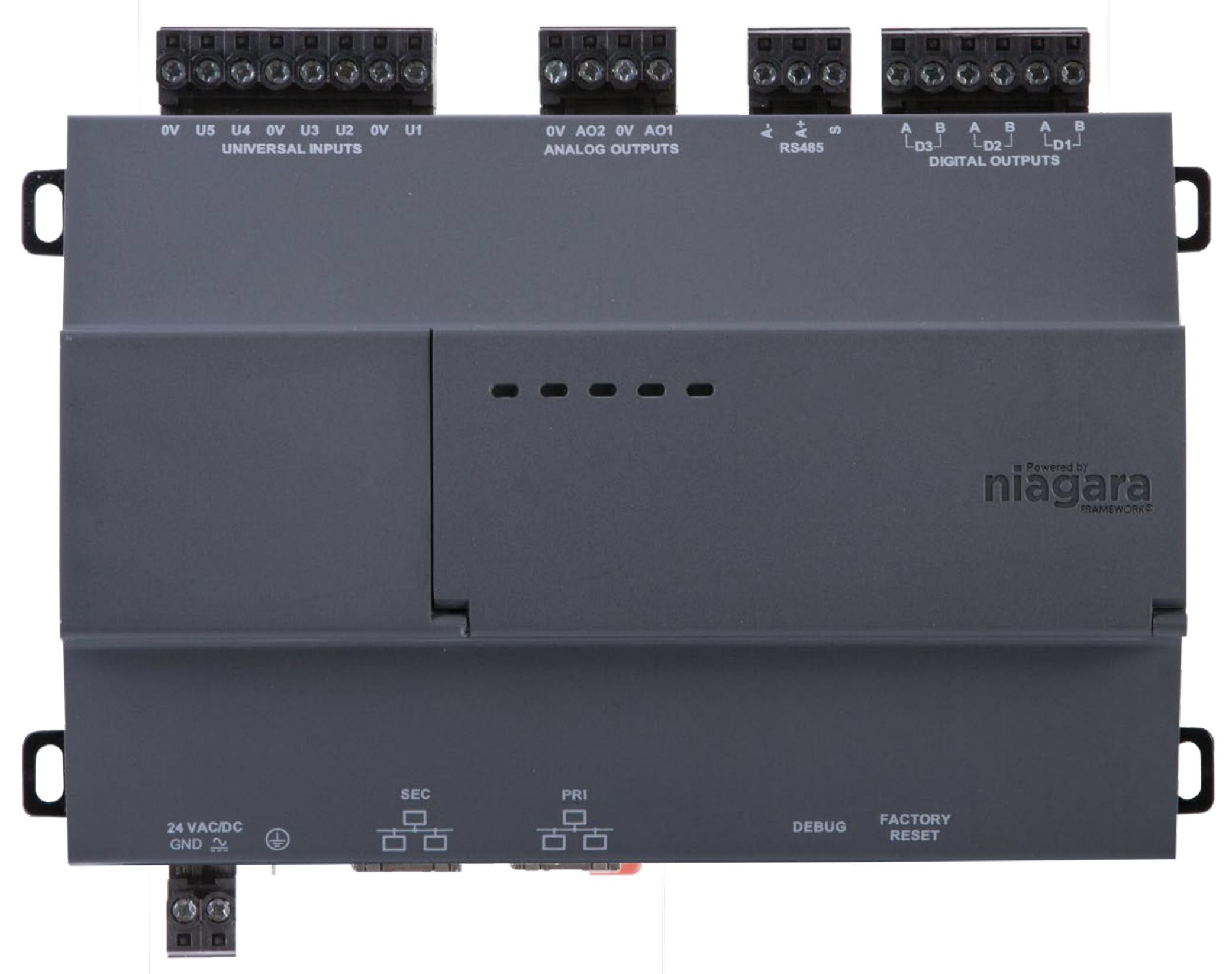
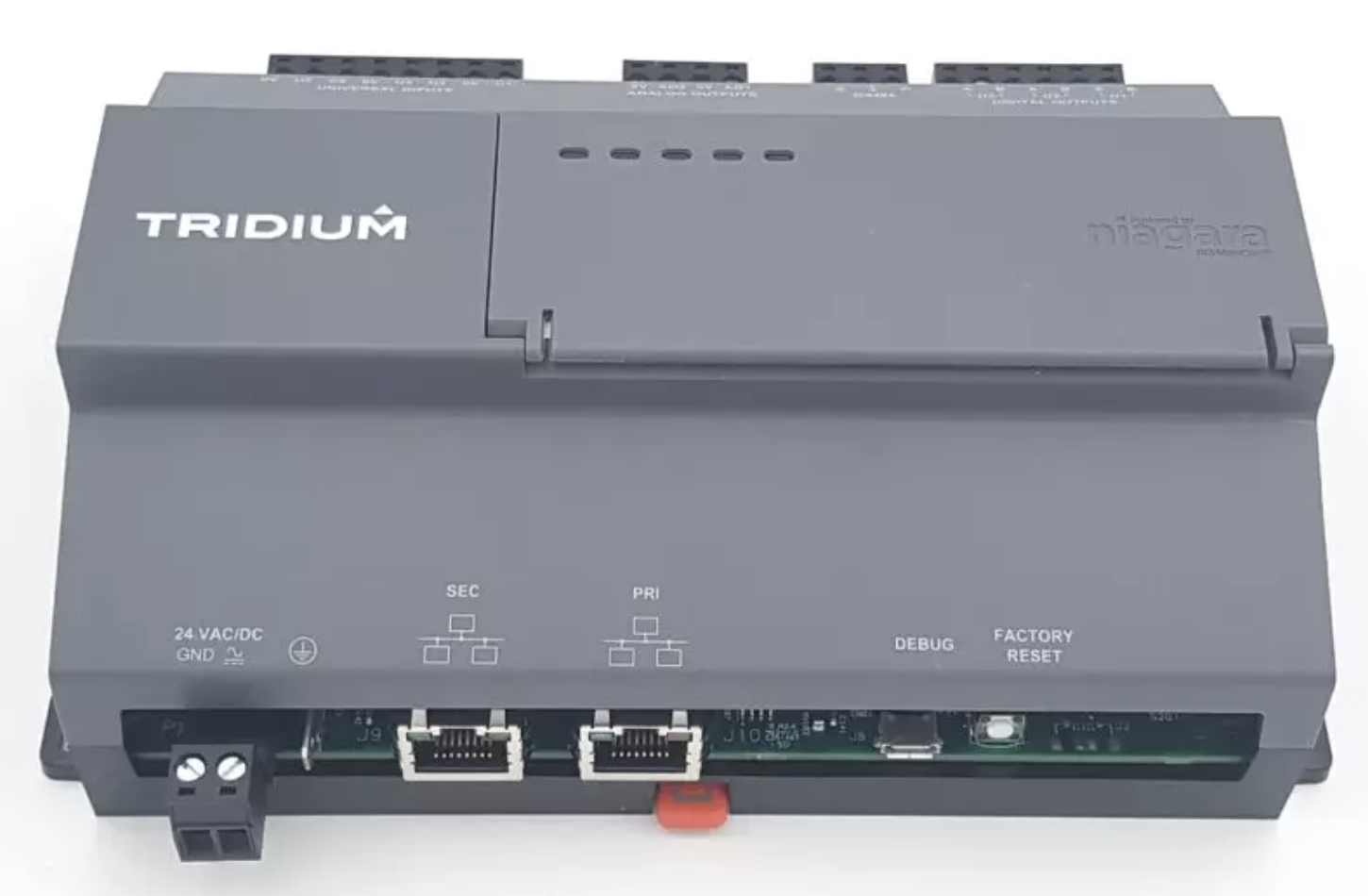
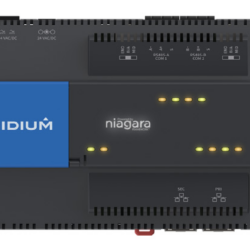
Niagara Edge 10 field controller with 10 points of onboard IO, 1 RS-485 serial port, and 2 10/100 Ethernet ports. Supports 1 IO-R-34. Includes Niagara N4 and drivers for BACnet, Modbus and SNMP. Supports up to 3 devices and 50 total points.
Tridium’s Niagara Edge 10 is an IP-based field equipment controller powered by the Niagara Framework®. Niagara Edge 10 controllers drive applications such as zone temperature control, and the operation of fan coil units, single-stage air handling units, water-source heat pumps and more. Niagara Edge 10 controllers run the full Niagara stack, with 10 points of on-board IO and IO-R expansion capability. Niagara Edge 10 licensing supports three devices and 50 total points to harness the full power of Niagara at the edge.
Point options available: 50 | 100 | 150 | 250 | 300 | 500 | 1250
ACE DETERMINISTIC ENGINE
• Utilise Wire Sheet to create deterministic applications that enable fast startup to control time and deterministic timing when servicing the IO.
NETWORK
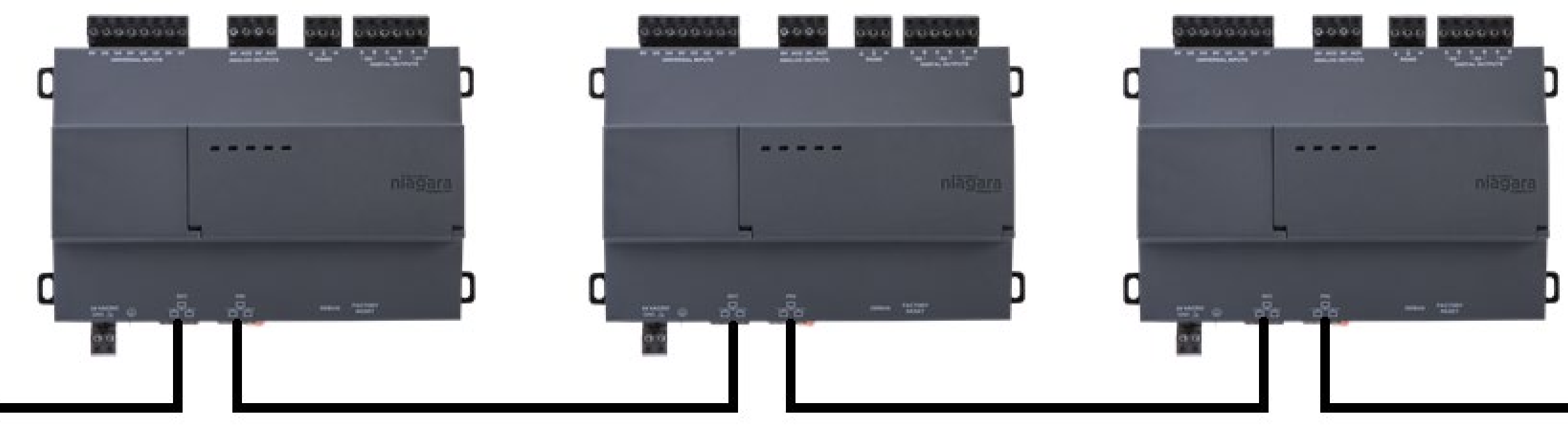
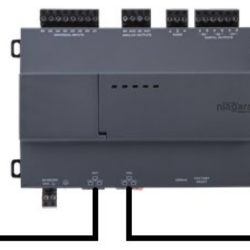
• Edge 10 controllers can be daisy-chained to continue network connectivity and eliminate the need for separate wiring back to a switch
• Connect Niagara Edge 10 controllers to your main building or IT network and manage them directly with a Supervisor alongside a JACE®
• Use the secondary Ethernet port of the JACE 8000 to create a private network of Niagara Edge 10 controllers
AGENCY CERTIFICATIONS
• FCC Part 15, class B
• C-UL • CE • UL916, Open Energy Management Class 2
• RoHS2
• REACH
• WEEE
• CAN/CSA-C22.2 No. 205-12
Tridium_Niagara_Edge10_features_Documents
Tridium_Niagara_Edge10_FAQs_Documents
Tridium_Niagara_Edge10_doc_Startup_Documents
Tridium_Niagara_Edge10_Datasheet_Documents
The Niagara versions available for this controller in the latest Installer version:
- Niagara 4.4.73 (not recommended)
- Niagara 4.4.92 (not recommended)
- Niagara 4.6.96.28 (Use the installer v1.9)
- Niagara 4.7.109.20 (Use the installer v1.9)
- Niagara 4.8.0.110 (Use the installer v1.9)
- Niagara 4.9.0.198 (Use the installer v1.4)
- Niagara 4.9.1.30 (Use the installer v1.9)
- Niagara 4.10.0.154(Use the installer v1.5)
- Niagara 4.10.1.36(Use the installer v1.7)
- Niagara 4.10.3.20 (Use the installer v1.9)
- Niagara 4.11.1.16 (Use the installer v1.9)
- Niagara 4.12.0.156 (Use the installer v1.8)
- Niagara 4.12.2.16 (Use the installer v1.9)
- Niagara 4.10.7.42.1
- Niagara 4.10.9.14.1
- Niagara 4.13.2.18
- Niagara 4.14.0.162
- Niagara 4.14.2.12
- Niagara 4.15.1.16
- Niagara 4.15.2.38
FAQ
What is the device’s default IP address?
The route and subnet mask are set appropriately.
• Static IP: 192.168.1xx.xx where xx.xx are numbers lifted from the serial number, as shown in the following two examples: –
For serial number: 010106, the resulting IP is: 192.168.101.06 –
For serial number: 106, the resulting IP is: 192.168.101.06
• The default subnet mask is: 255.255.0.0
What are the default platform Credentials?
The default credentials are the same as for all the Tridium controllers:
User: tridium
Password:niagara
What communication networks are available?
– Modbus RS-485
– Modbus TCP
– BACnet TCP
– BACnet MSTP is available for versions N4.6 and N4.7.
– Niagara Network
What features are implemented into this controller compared to the Tridium Jace?
-Alarm
-Histories
-PX pages (web User Interface pages), HTML 5 web viewing
-Communication with Niagara controllers and Supervisors through the Niagara Network
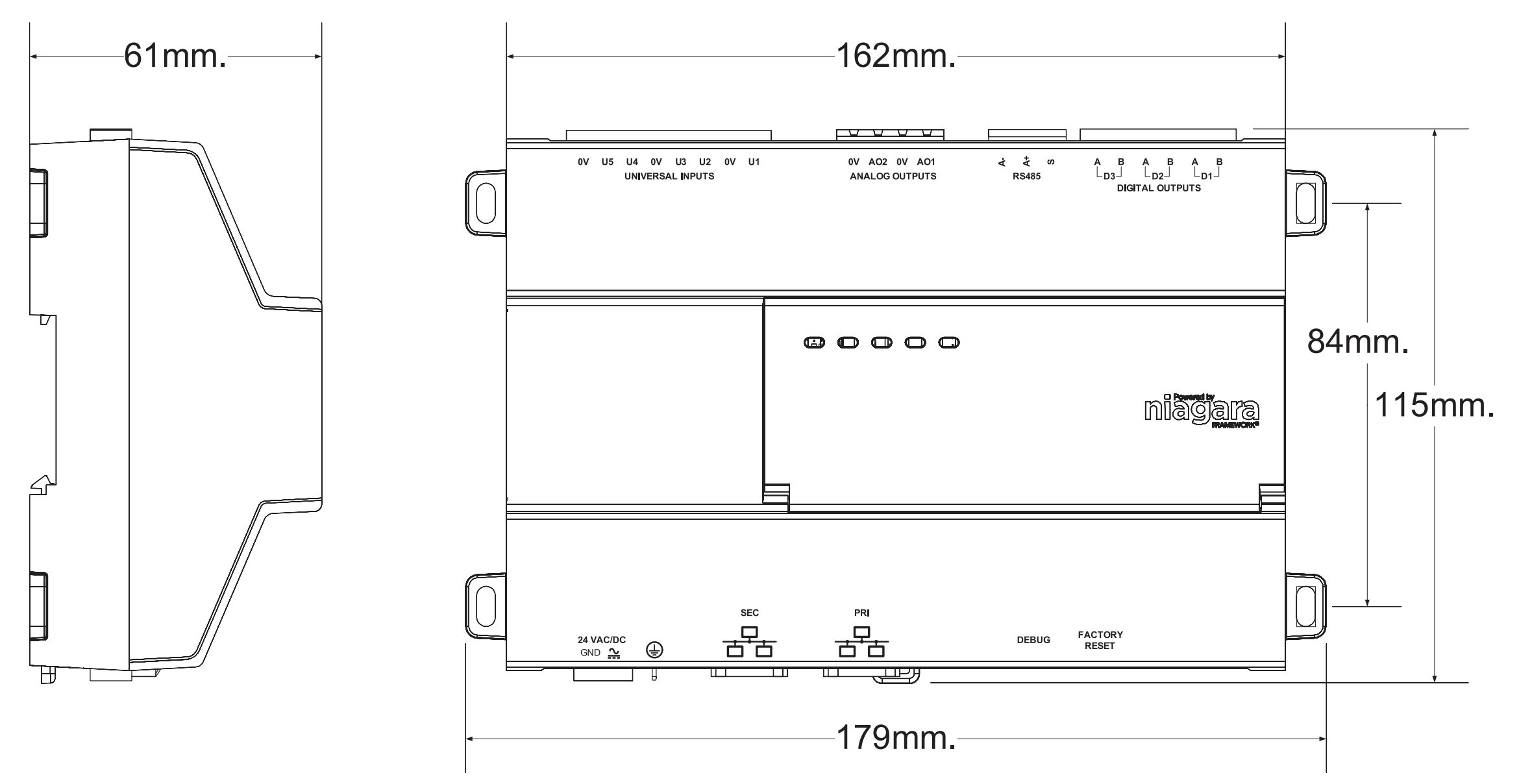
| Dimensions | 16.2 × 11.5 × 6.1 cm |
|---|---|
| Colour |
TP-DISP-W – White, TP-DISP-B – Black |
You may also like…

Related products
-
Controllers
JACE 9000 None WiFi
Price range: £2,607.00 through £10,868.00 Exc. VAT Select options This product has multiple variants. The options may be chosen on the product page


Reviews
There are no reviews yet.